For the elderly
Aging brings new challenges to maintaining mental sharpness and eye health. Seniors often face presbyopia (age-related vision decline) and decreased ability to focus for long periods. These factors can make reading and learning more tiring, which may discourage lifelong learning.
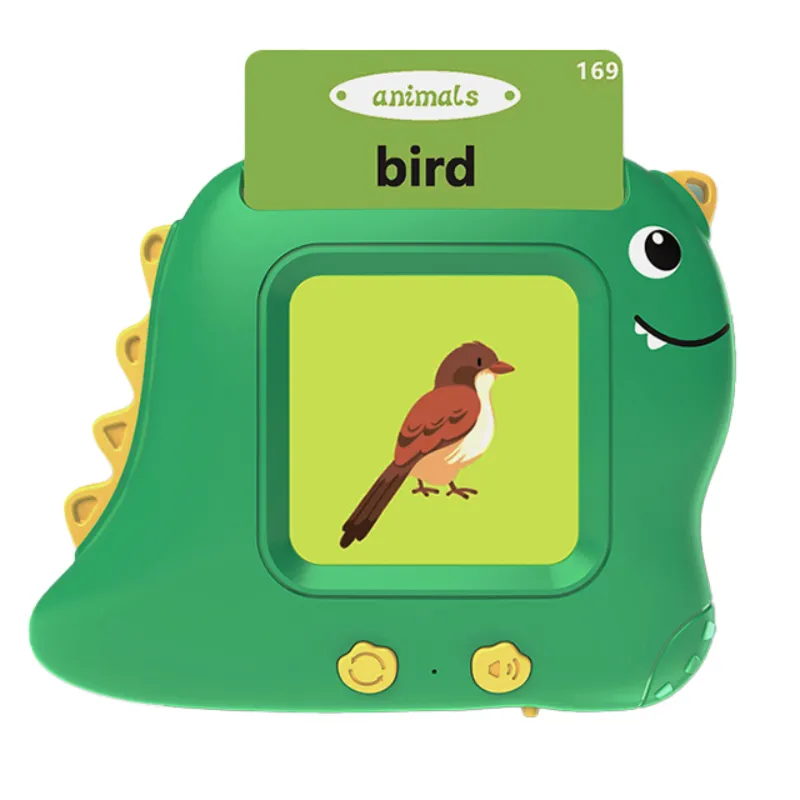
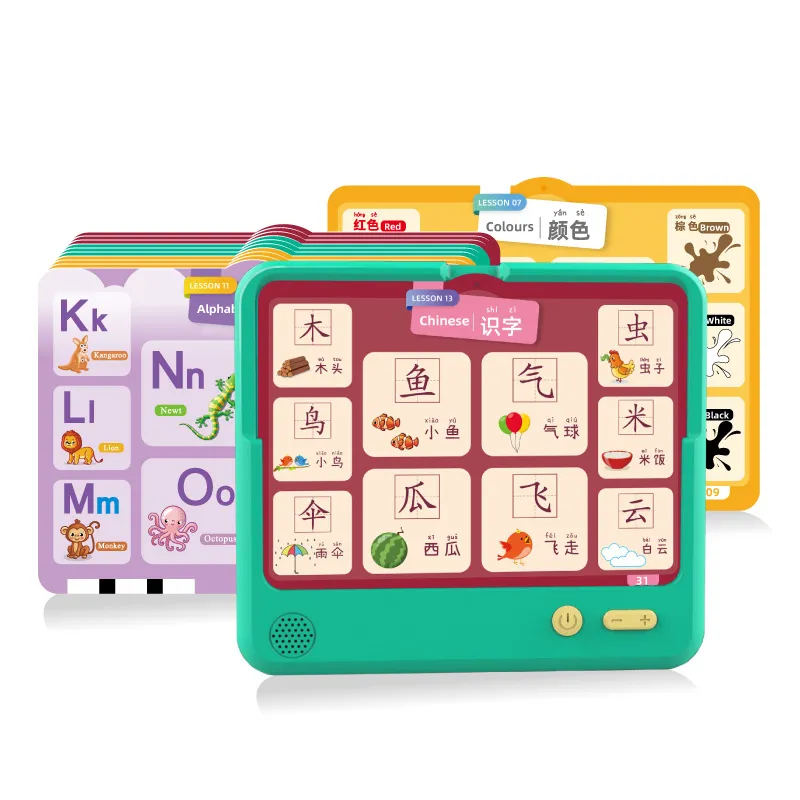
Fortunately, modern electronic learning tools provide voice-assisted, interactive experiences that allow seniors to enjoy reading, language learning, and cognitive exercises without straining their eyes.
By combining screen-free paper-based reading with audio feedback, these devices make it easier for seniors to engage with books, articles, and learning materials comfortably and effectively.
Staying mentally active is critical for seniors who want to maintain independence, memory, and quality of life. Studies consistently show that reading, language practice, and problem-solving help:
Strengthen memory pathways
Slow cognitive decline
Maintain focus and attention
Provide purpose and enjoyment
Electronic learning tools designed for the elderly encourage active participation rather than passive content consumption. By scanning words, hearing pronunciations, and interacting with learning materials, seniors keep their brains engaged in meaningful exercises.
These small daily habits can support long-term cognitive health and overall wellness.
Extended screen time can cause eye strain, dryness, and fatigue, particularly for seniors with age-related vision issues.
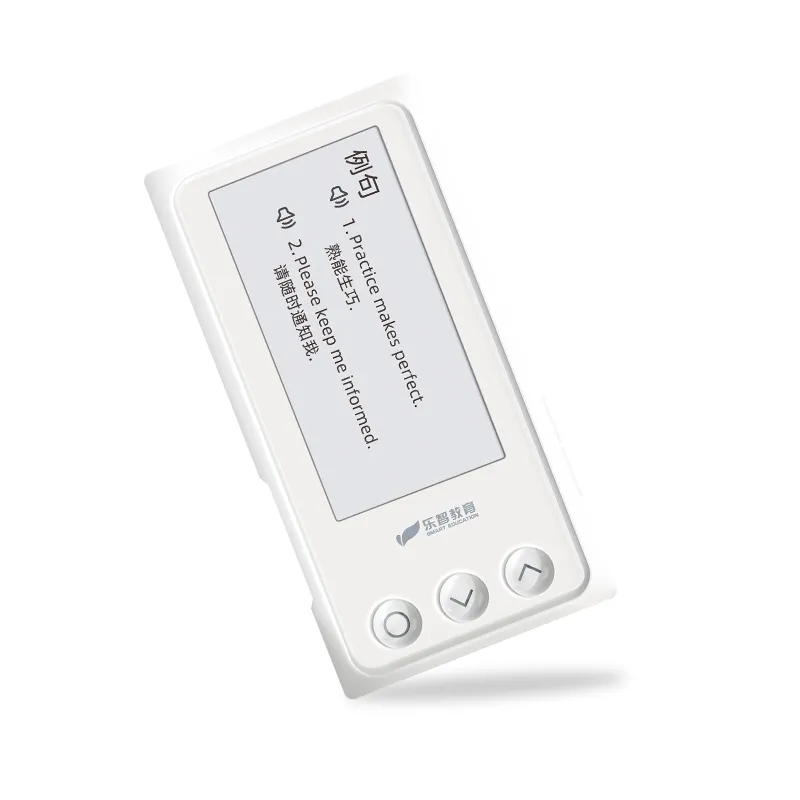
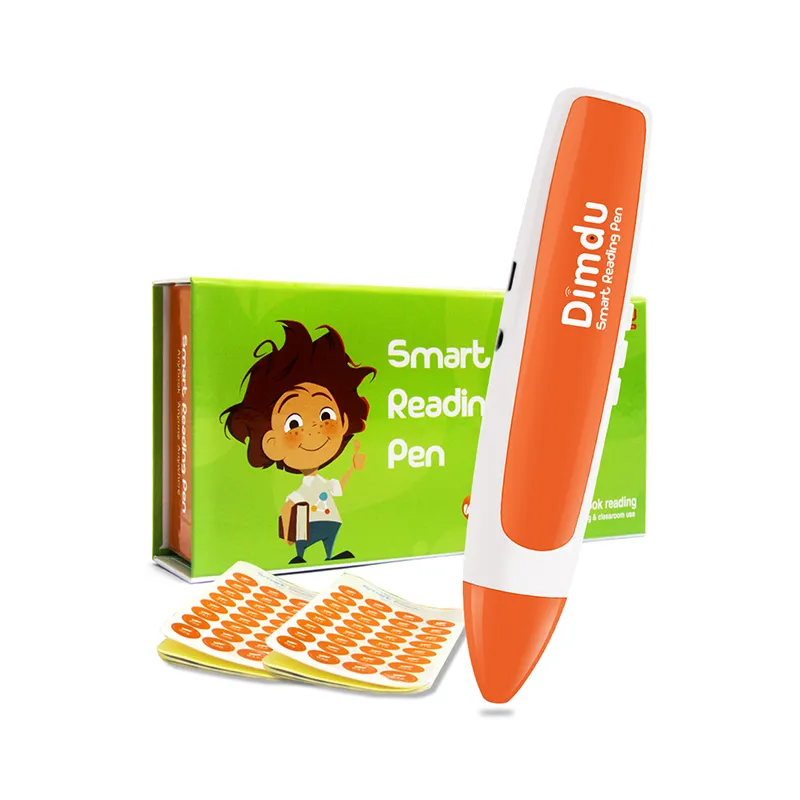
Screen-free solutions, such as smart reading pens and scanning pens, pair perfectly with large-print books or standard text, providing voice feedback and text-to-speech (TTS) functions.
With these features, seniors can:
Listen to passages instead of straining their eyes
Follow along with printed materials at their own pace
Avoid the glare and fatigue of digital screens
Improve comprehension through multisensory learning
Screen-free reading is a safe, comfortable, and engaging way to maintain literacy and enjoyment of books for older adults.
Many seniors hesitate to adopt new technology due to fear of complexity or confusing interfaces. Dimdu learning tools address these concerns with intuitive design and clear functionality.
Senior-friendly features include:
Simple operation: scan a word or sentence, hear the result instantly
Clear audio feedback: adjustable volume for individual needs
Minimal setup required: no apps, logins, or complicated software
Portable and lightweight: easy to handle and hold for long reading sessions
These features empower seniors to use the technology independently, building confidence while enhancing learning and cognitive engagement.
Electronic learning tools for seniors are versatile and go beyond books. Applications include:
Language learning: practice English, Spanish, or other languages through text and audio
Senior university courses: follow lessons in literature, science, or history
Medication assistance: scan small-print labels for clear audio reading
Instruction manuals: instantly convert tiny print into speech
By supporting multiple scenarios, these devices integrate learning and daily life assistance, helping seniors remain independent while boosting mental activity.
Can these tools really help prevent memory loss in seniors?
Yes. Active engagement with learning materials activates multiple areas of the brain, supporting memory, attention, and comprehension.
Features like interactive word scanning and audio playback make learning active rather than passive. Regular practice strengthens neural pathways and can reduce the risk of memory decline over time.
Is the device loud enough for someone with mild hearing loss?
Absolutely. Dimdu devices are designed with high-fidelity audio and adjustable volume, making them suitable for seniors with mild hearing difficulties.
Users can increase the sound level without distortion, ensuring every word and sentence is clear. The combination of visual and auditory feedback also reinforces comprehension and learning efficiency.







 Add to Cart